

Overview
Community collabs allow different communities to form partnerships, making it easier to grow together and cross-promote content. By establishing a collaboration, you can access shared quests from partner communities and display them directly to your own community.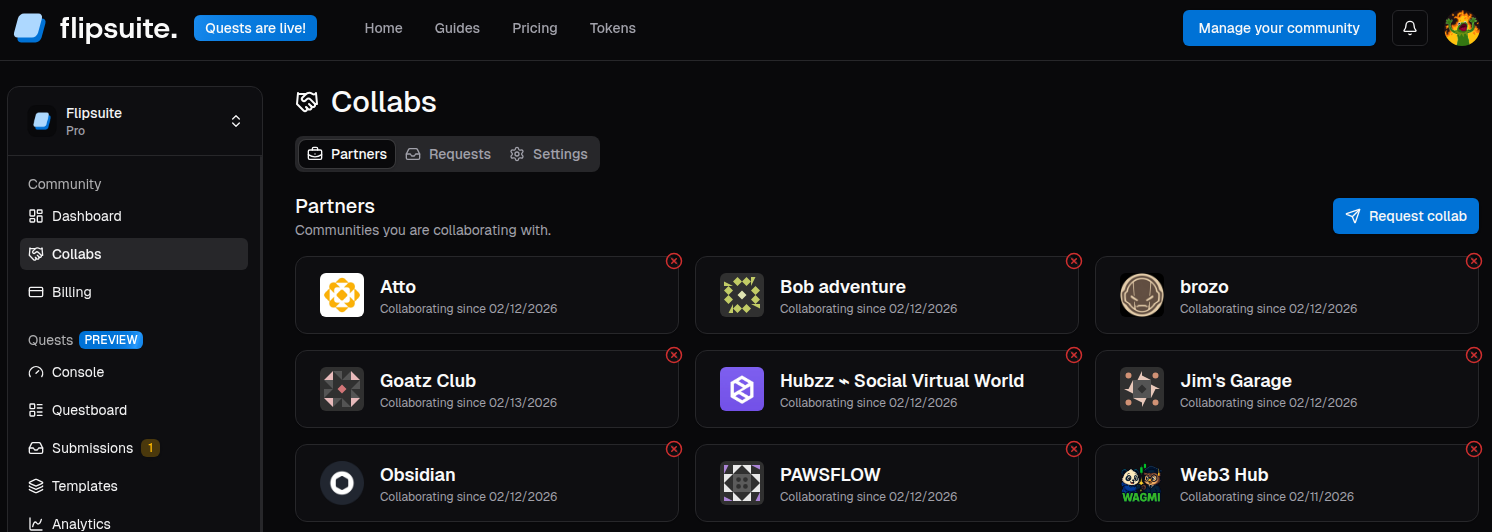
How it Works
To start a partnership, navigate to the Collabs > Requests tab and search for the community you wish to work with. Sending a request allows the other community’s administrators to review your profile before accepting.Shared Visibility
Once a collab request is accepted, both communities gain visibility into each other’s quests.Only quests specifically created with the “Shared” visibility setting will be visible to partner communities.
Private quests remain hidden.
Cross-Sharing & Automation
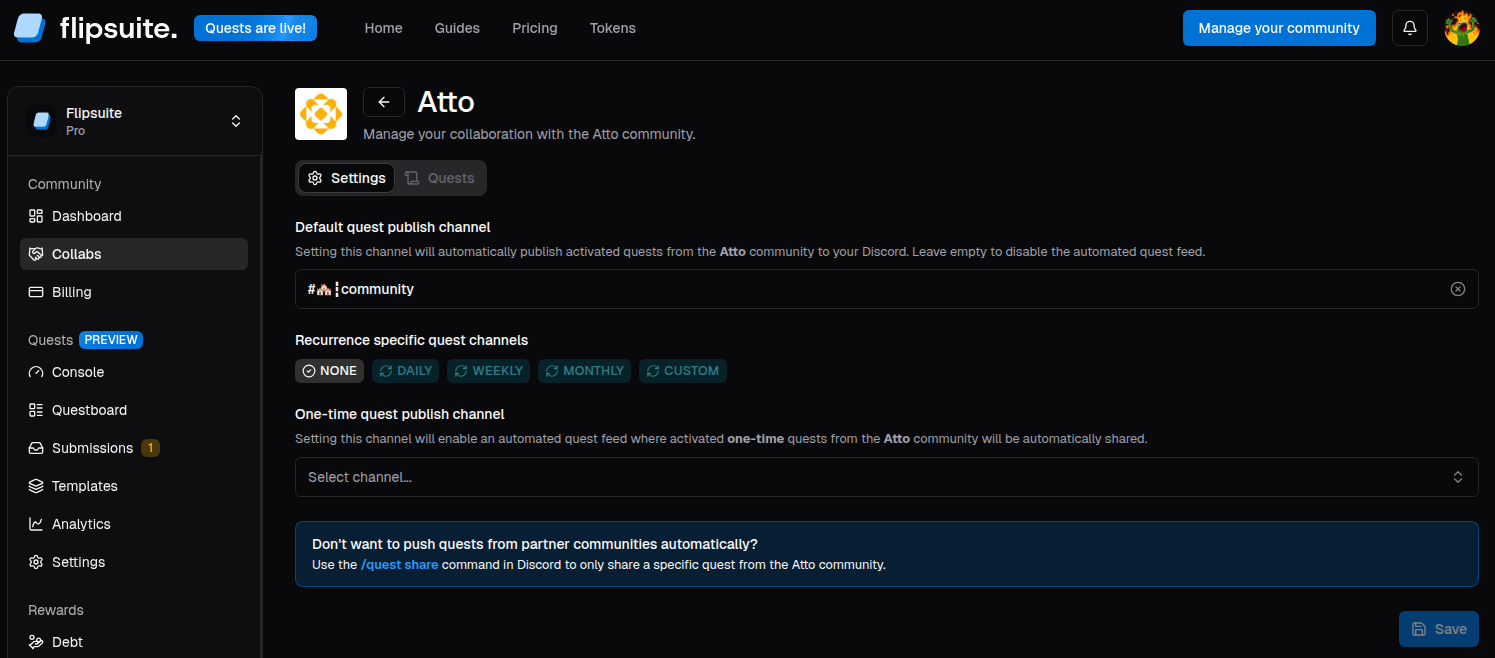
After partnering, you can share quests from partner communities in two ways:- Manually: Using the
/quest sharecommand in Discord. - Automatically: Create a dedicated channel with an automated quest feed.
Settings & Privacy
By default, every community is open to receiving collab requests. If you prefer to manage your partnerships more privately:- Navigate to the Collabs > Settings tab.
- Toggle the “Open to collabs” option.