

Overview
To maintain a fair environment for all participants, Flipsuite provides moderation tools to manage problematic users.Bans
If a user is found to be cheating or violating community guidelines, you can ban them from participating in your quests.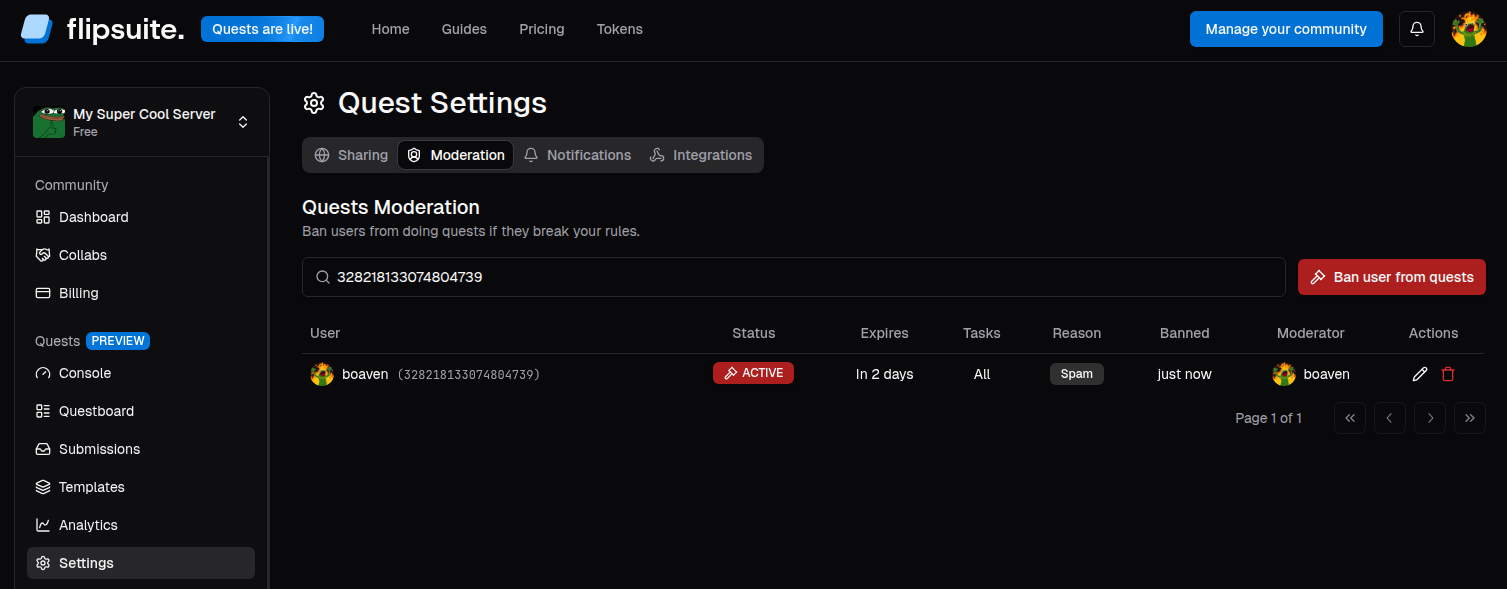
Quest moderation settings
- Go to the Quests > Settings > Moderation page.
- Click the Ban user from quests button.
- Provide the user’s Discord ID or X account handle.
- Choose a ban duration and enter the ban reason.
- Optionally choose a specific task types to ban the user from.
- Click the Ban user button.