

Overview
Configure real-time notifications to stay informed when users interact with your quests. Notifications are sent directly to your Discord server via Flippy.Notifications
- Completions: Receive a notification every time a user successfully completes a quest.
- Rewards: Receive a notification every time a user receives a quest reward.
- Submissions: Get alerted whenever a user submits a task that requires manual review.
Configuration
To set up notifications, simply go to the Quests > Settings > Notifications page and select the Discord channel where notifications should be posted for each notification type.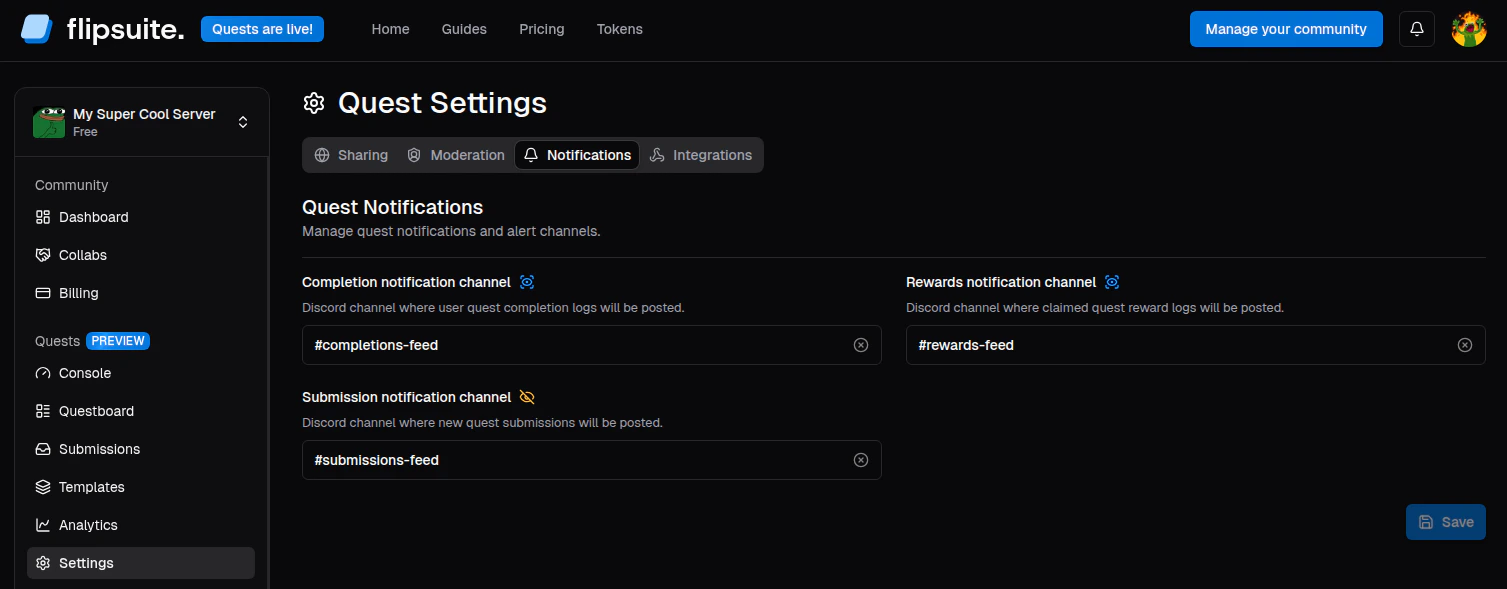
Quest notification settings