

Quest templates
A quest template is a blueprint for a full quest, including its configuration, tasks, and rewards. They allow you to quickly launch new quests without starting from scratch.Creating a quest template
To save a quest as a template:- Go to the Templates > Quests tab.
- Click the Create quest template button.
- Configure the template as needed like it is a regular quest.
- Click Save template in the last quest builder.
- It will now appear in your library of available templates.
Using a quest template
When creating a new quest, you can choose the Create quest from template option. This will show you a list of all available templates: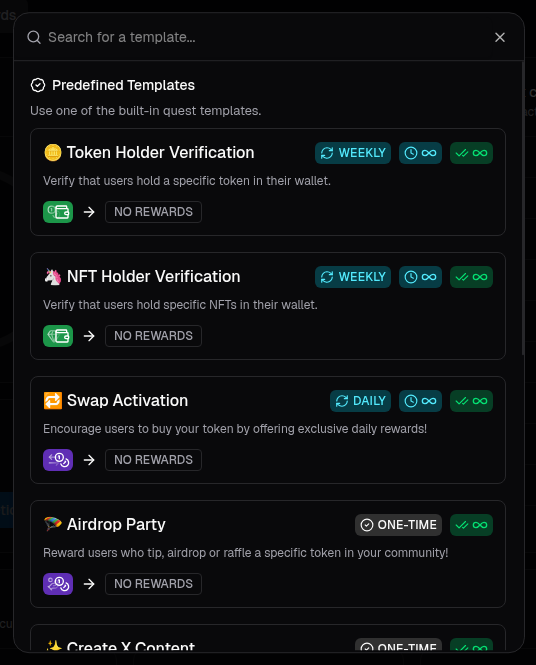
Quest template selection
Task templates
Task templates are pre-configured versions of individual tasks (e.g., a “Token Balance” task with your token details already filled in). They allow you to build new quests using common tasks without having to manually configure them.Creating a task template
You can create and manage task templates in the Quest Settings > Task Templates section of the dashboard. To save a task as a template:- Go to the Templates > Tasks tab.
- Click the Create task template button.
- Choose the task type and configure it as needed.
- Click Save once you’re done.
- It will now appear in your library of available tasks.
Using a task template
When adding tasks to a quest, you will see a list of all available task templates at the top of the task library.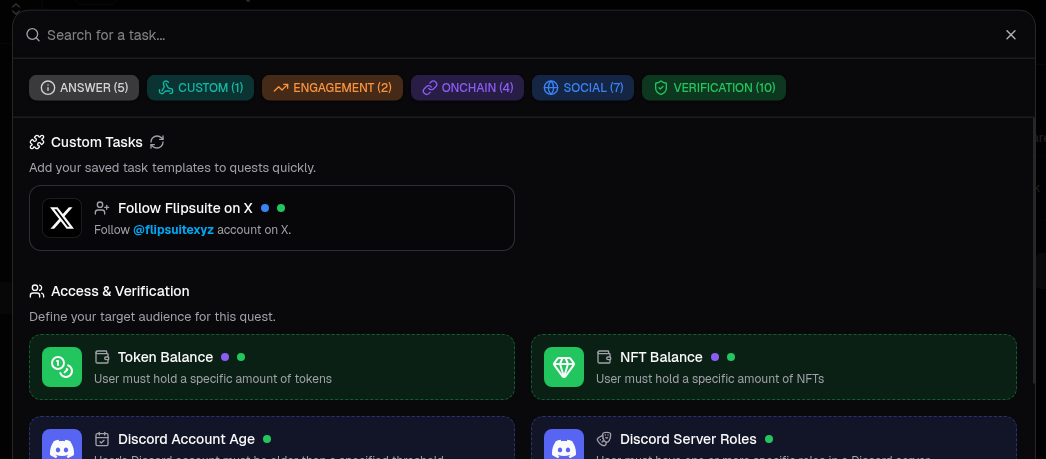
Quest tasks selection