

Step 1 - Get familiar with your Flipwallet
All you need to do before starting tipping in your server is to get familiar with your Flipwallet and deposit some tokens into it.Flipwallet
Click to learn more about the Flipwallet.
Step 2 - Start tipping!
Choose a command below to send tips or create giveaways using your Flipwallet.Send Tips
Send crypto tips in your server.
Run Giveaways
Create drops in your server.
Bonus - Enable tipping in DMs
Optionally, you can also add Flippy as your personal app in Discord which will enable tipping in DMs and servers that do not have Flippy installed. To do so, click the Flippy’s avatar anywhere in Discord and tap the Add App button.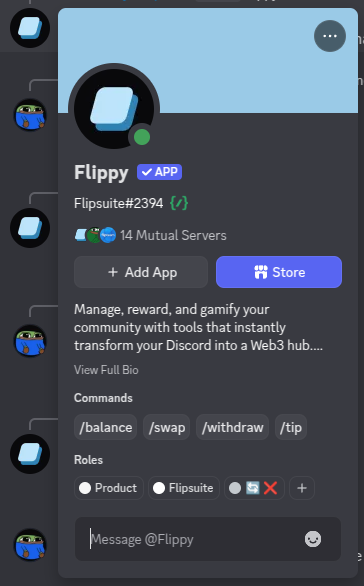
Flippy's Discord profile
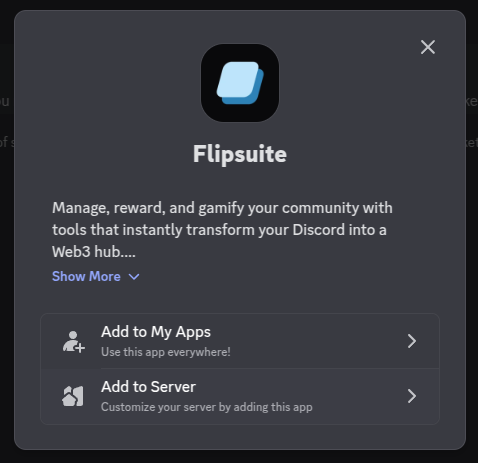
Add application dialog in Discord
/send commands anywhere in Discord now - in DMs, groups, and even in servers that do not
have Flippy installed yet.
Some tipping features might be restricted in servers that do not have Flippy installed (like tipping roles or
active members). Additionally, Flippy won’t be able to send public tip notifications in channels where personal
apps have been disabled by server admins.