Documentation Index
Fetch the complete documentation index at: https://docs.flipsuite.xyz/llms.txt
Use this file to discover all available pages before exploring further.
Setting up a point system
First of all, you need to set up a point system in your community. Click the button below to learn how to do it.Set up your first point system
Create a new currency or progression system and configure how it should behave.
Adding points gating rules
To add your first points gating rule, go to the Rules tab, click the Create new rule button, and choose Points Gating Rule to get started. Alternatively, you can create point-based gating rules in the Roles tab of a specific point system.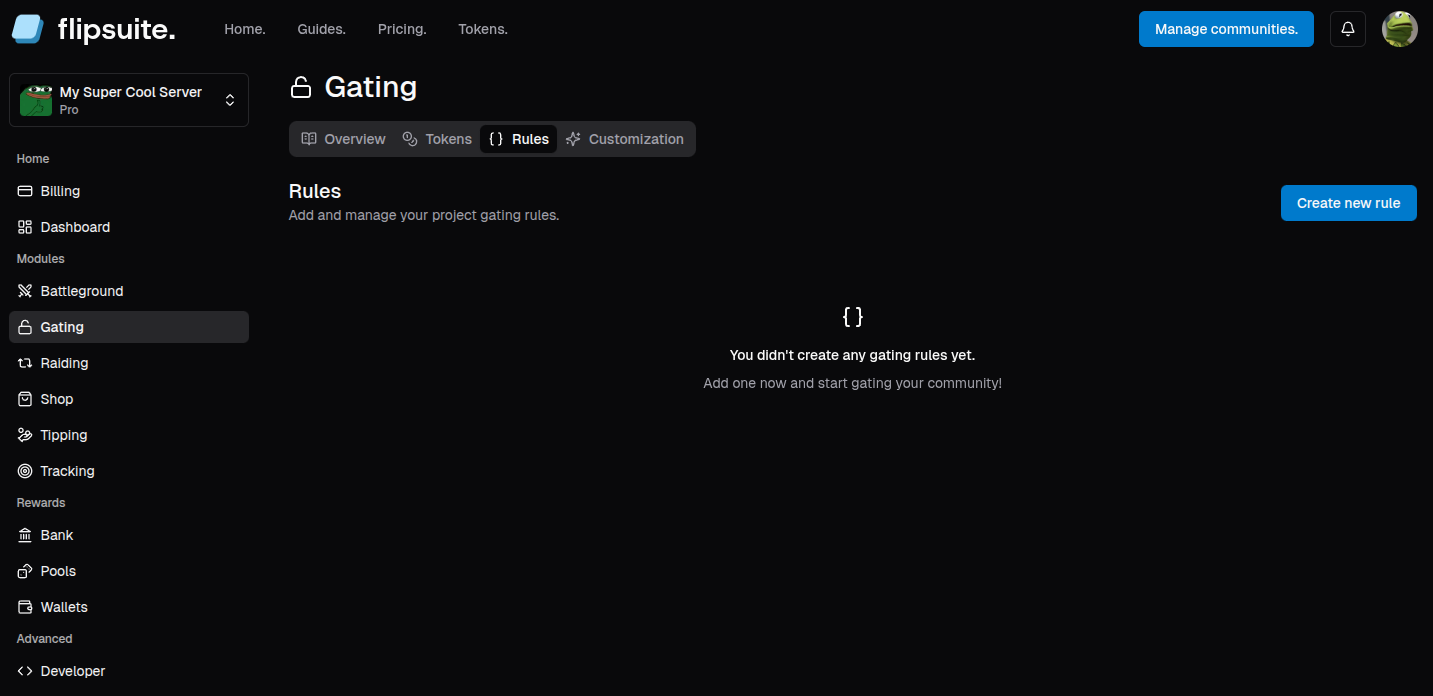
Adding rule for a point system
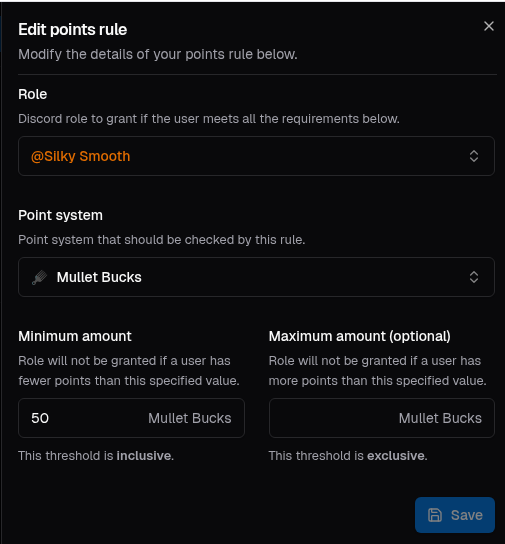
There a couple of settings you can set when creating a points gating rule, including:- Role to grant:
Discord role to grant if the user meets the requirements. - Min and max amounts:
Amount of tokens that’s required to get the role.
Result
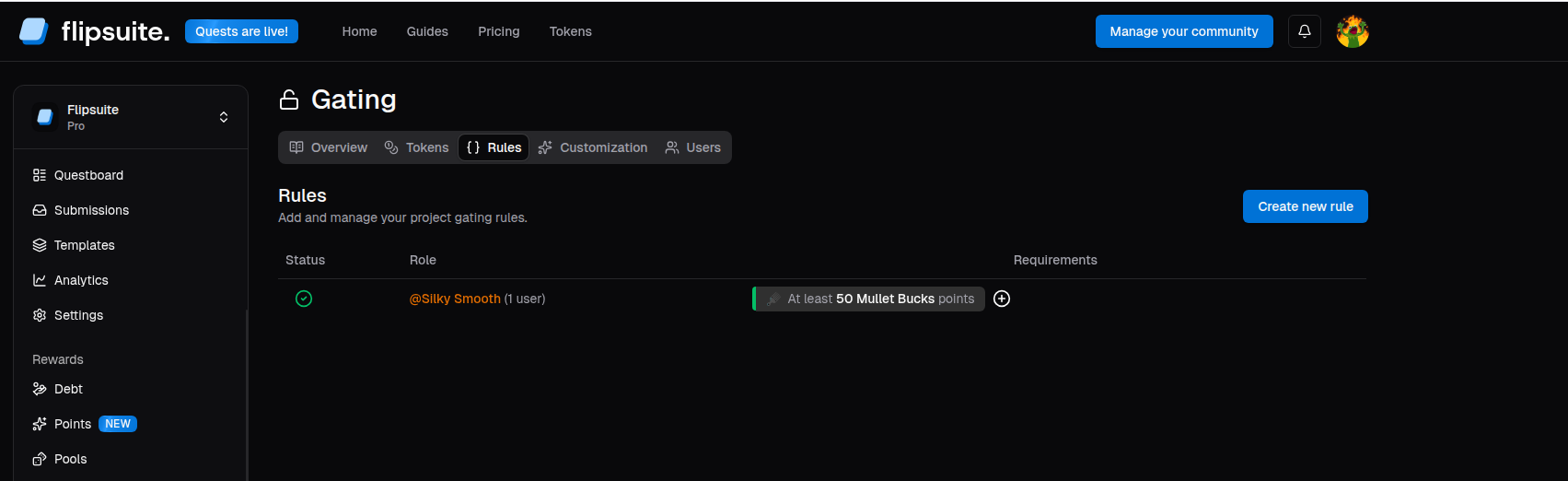
After configuring and adding points gating rules, the Rules tab should now be populated with the gating rules you’ve created.